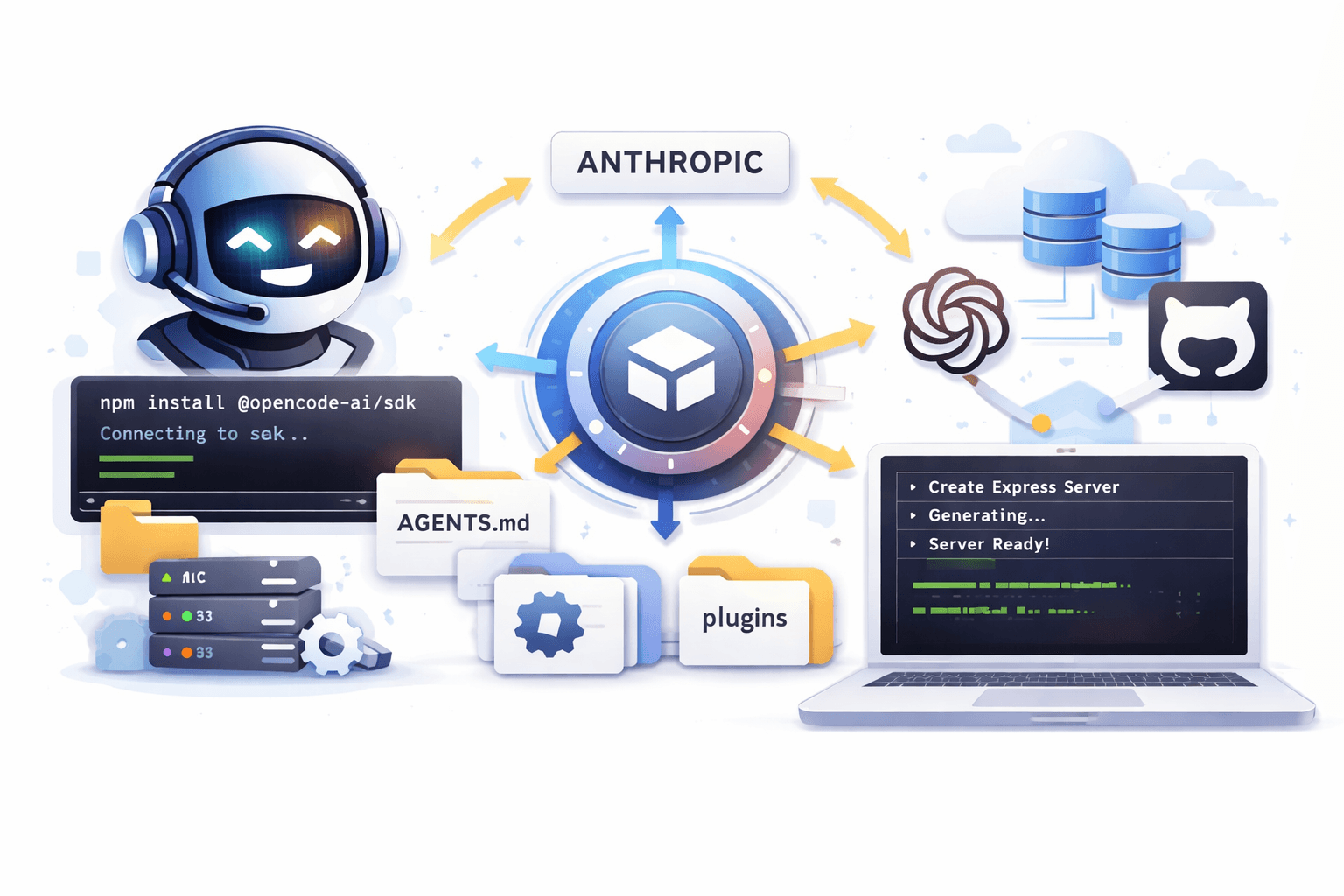
Building an AI coding agent from scratch takes serious engineering effort: model integrations, agent loop, tool calling, memory/session handling, compaction, and multi-model support.
A faster path is to embed a production-ready agent.
This guide shows how to integrate OpenCode Agent into your app so you can focus on product features, not agent infrastructure.
What Is OpenCode Agent?
OpenCode Agent is an open-source agent platform you can embed via SDK. Think of the agent experience in Claude Code or Cursor, but integrated directly in your own application and adaptable to workflows beyond coding.
What you get out of the box:
- Code generation, file operations, and terminal command execution
- Session management and conversation history
- Automatic tool orchestration
- Multi-LLM support (Anthropic, OpenAI, and more)
- TypeScript/JavaScript SDK
- Extensibility via custom plugins, skills, and MCP servers
Installation
Install both packages:
1npm install @opencode-ai/sdk opencode-aiUnderstand Workspaces First
A workspace is the directory where OpenCode runs. The agent can read/write files and run commands within this directory.
Why this matters:
- Security: limits file access to a defined boundary
- Isolation: different users/projects can use different workspaces
- Persistence: changes survive across sessions
- Context: the agent can reason over your project structure
Typical structure:
1my_workspaces/
2├── .opencode/
3│   ├── skills/
4│   └── plugins/
5└── AGENTS.md
Implementation
1. Start the OpenCode server
You typically run one server instance and connect clients to it.
1import { createOpencodeServer } from "@opencode-ai/sdk";
2
3async function startOpencodeServer() {
4  const server = await createOpencodeServer({
5    hostname: "127.0.0.1",
6    port: 4096,
7    config: {
8      model: "anthropic/claude-sonnet-4-5-20250929",
9      autoupdate: false,
10    },
11  });
12
13  console.log(`Opencode server running at ${server.url}`);
14  return server;
15}
2. Create a client bound to a workspace
1import { createOpencodeClient } from "@opencode-ai/sdk";
2import path from "path";
3
4async function getOpencodeClient() {
5  const workspaceDir = path.resolve(process.cwd(), "./my_workspaces");
6
7  return createOpencodeClient({
8    baseUrl: "http://localhost:4096",
9    directory: workspaceDir,
10  });
11}
3. Create a session and send prompts
Treat each user/task as its own session.
1const client = await getOpencodeClient();
2
3const result = await client.session.create();
4const sessionId = result.data.id;
5
6await client.session.promptAsync({
7  path: { id: sessionId },
8  body: {
9    parts: [
10      {
11        type: "text",
12        text: "Create a Node.js Express server with /health endpoint",
13      },
14    ],
15  },
16});
4. Stream real-time updates (SSE)
1const response = await fetch(
2  `http://localhost:4096/event?directory=${encodeURIComponent(workspaceDir)}`,
3  { headers: { Accept: "text/event-stream" } }
4);
5
6const reader = response.body.getReader();
7const decoder = new TextDecoder();
8
9while (true) {
10  const { done, value } = await reader.read();
11  if (done) break;
12
13  const events = decoder.decode(value);
14  // Parse and handle events for the active session
15}
Configure Agent Behavior with AGENTS.md
AGENTS.md is your high-leverage control file. Put project context, coding standards, workflows, and constraints here.
Create it in the workspace root:
1touch my_workspaces/AGENTS.mdExample:
1# Project: E-commerce Platform
2
3## Tech Stack
4- Backend: Node.js + Express
5- Database: PostgreSQL
6- Frontend: React + TypeScript
7
8## Coding Standards
9- Use TypeScript for all new files
10- Follow ESLint configuration
11- Write tests for all API endpoints
12- Use async/await instead of promises
13
14## Database Schema
15Users table: id, email, password_hash, created_at
16Products table: id, name, price, stock, category_id
17Orders table: id, user_id, total, status, created_at
18
19## Common Tasks
20When creating API endpoints:
211. Add route in src/routes/
222. Create controller in src/controllers/
233. Add validation middleware
244. Write integration tests
25
26## Important Notes
27- Never commit .env files
28- Always use parameterized queries for SQL
29- API keys are in environment variables
Keep AGENTS.md concise and specific. The better the instructions, the better the agent output.
Create Custom Tools with Plugins
Plugins live in .opencode/plugins/. Each plugin exports a Plugin function.
Structure:
1.opencode/
2└── plugins/
3    ├── weatherTool.ts
4    └── databaseTool.ts
Example plugin:
1import { type Plugin, tool } from "@opencode-ai/plugin";
2
3export const WeatherPlugin: Plugin = async () => {
4  return {
5    tool: {
6      getWeather: tool({
7        description: "Get current weather for a city",
8        args: {
9          city: tool.schema.string().describe("City name to get weather for"),
10        },
11        async execute(args) {
12          const response = await fetch(
13            `https://api.weather.com/v1/current?city=${args.city}`
14          );
15          const data = await response.json();
16
17          return JSON.stringify({
18            temperature: data.temp,
19            conditions: data.conditions,
20            humidity: data.humidity,
21          });
22        },
23      }),
24    },
25  };
26};
27
28export default WeatherPlugin;
You can also use plugin hooks like tool.execute.before to block or validate dangerous operations.
Create Reusable Workflows with Skills
Skills are reusable, multi-step instructions stored as:
1.opencode/skills/<skill-name>/SKILL.mdUsers can invoke them directly in chat:
1/deploy-api
2/code-review
Skills are ideal for repeated workflows like deployments, code reviews, release checklists, and migrations.
Example skill:
Create .opencode/skills/deploy-api/SKILL.md:
1---
2name: deploy-api
3description: Deploy API safely to staging or production
4---
5
6## Steps
7
81. Run tests: `npm test`
92. Build: `npm run build`
103. Validate environment variables for target environment
114. Deploy: `npm run deploy:staging` or `npm run deploy:production`
125. Verify health endpoint and monitor logs for 2 minutes
13
14## Rollback
15
16If deployment fails, run:
17
18- `npm run rollback:staging`
19- `npm run rollback:production`
Extend with MCP Servers
MCP (Model Context Protocol) servers let OpenCode use external tools/services (for example GitHub, Sentry, PostgreSQL, search, or remote APIs).
Configure MCP in .opencode/opencode.json:
1{
2  "mcp": {
3    "github": {
4      "enabled": true
5    },
6    "sentry": {
7      "enabled": true
8    }
9  }
10}
Auth examples:
1opencode mcp auth github
2opencode mcp list
3opencode mcp logout github
MCP best practices:
- Enable only what you need
- Use environment variables for secrets
- Restrict filesystem scopes
- Validate auth + permissions before production rollout
- Monitor context/token usage
Conclusion
If you embed OpenCode instead of building an agent from scratch, you can ship much faster while still getting production-grade capabilities.
Start with server + client + sessions, then layer in AGENTS.md, plugins, skills, and MCP as your product matures.