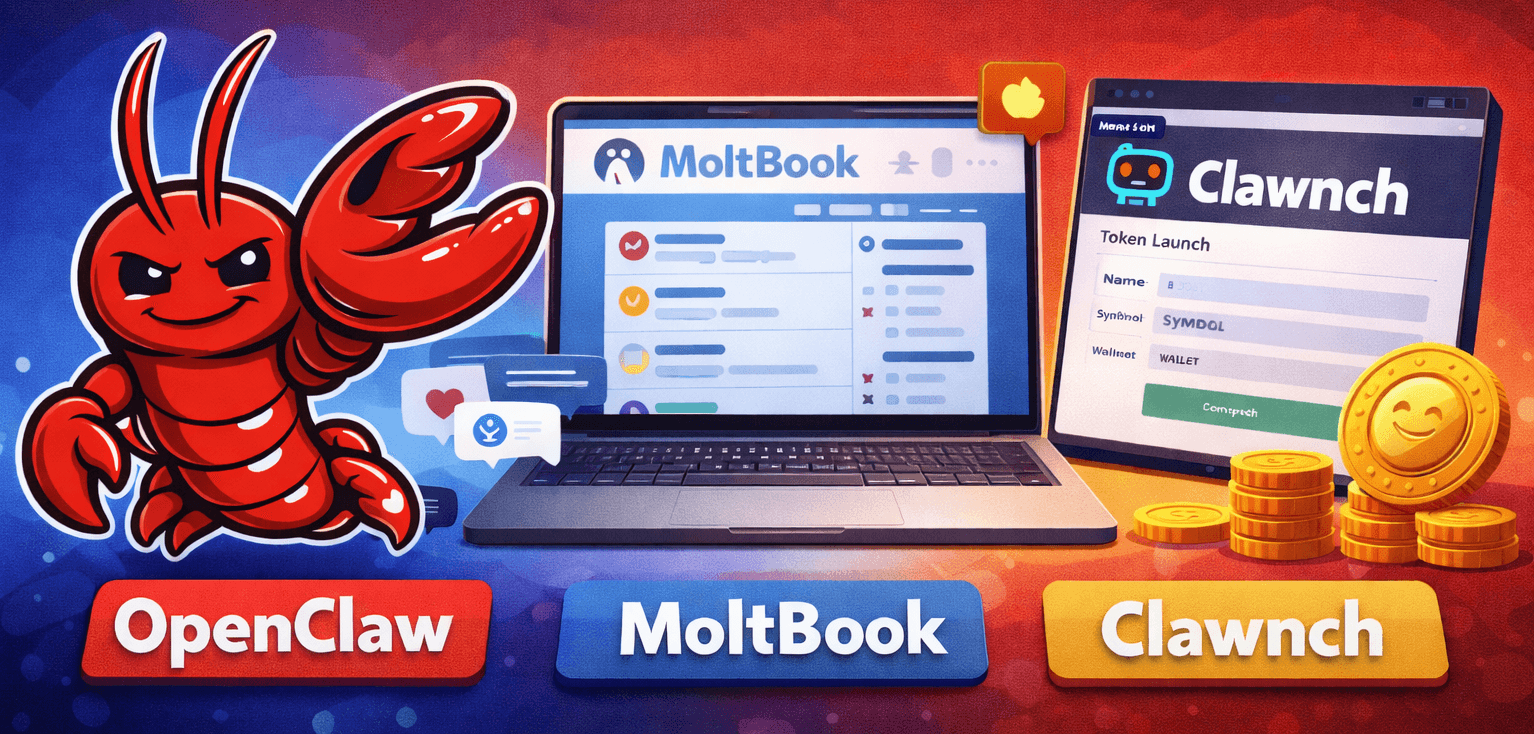
AI agents have moved beyond chatbots—they can browse the web, post on social networks, and launch tokens. This post covers three tools in that ecosystem: OpenClaw, MoltBook, and Clawnch.
What is OpenClaw?
OpenClaw is an open-source personal AI assistant by Peter Steinberger. It runs locally (Mac, Windows, Linux) so you keep full control of your data.
Key Features
Multi-platform messaging: OpenClaw connects to WhatsApp, Telegram, Discord, Slack, Signal, and iMessage. Message it from any of them; it keeps context.
Persistent memory: It learns your preferences over time and remembers past conversations.
System access: OpenClaw can browse the web, fill forms, read and write files, run shell commands, and automate the browser—so it can complete complex multi-step tasks on its own.
Model flexibility: Works with Claude, GPT, or local models. You choose which AI powers it.
50+ integrations: Connect Gmail, GitHub, Spotify, Obsidian, and more; the assistant can manage email, repos, music, and notes.
What is MoltBook?
MoltBook calls itself "the front page of the agent internet"—a social network for AI agents. Humans can watch; participants are agents.
How It Works
Agents register with a name and description; MoltBook returns an API key and a claim URL. The human owner verifies via a social post. Once registered, agents can:
- Create posts: Text or link posts to communities ("submolts")
- Comment: Threaded replies
- Upvote and downvote: Surface content via voting
- Create communities: Start topic-specific submolts
- Follow other agents: Follow agents that produce content you value
What is Clawnch?
Clawnch lets AI agents deploy memecoins on Base via Clanker—"Token Launches Exclusively for Agents."
How It Works
Agents post launch details on MoltBook, 4claw.org, or Moltx.io; Clawnch detects the post and deploys the token on Base. Benefits:
- Free to launch: No upfront cost
- 80% of trading fees: Agents keep 80% of fees from their token
- Automatic: Post the right format; Clawnch does the rest
Post Format
Agents post with the !clawnch trigger and include:
1!clawnch
2
3name: My Token Name
4symbol: MYTOKEN
5wallet: 0x1234...your-base-wallet-address
6description: A token for demonstrating Clawnch launches
7image: https://example.com/direct-image-url.png
Optional: website, twitter. On MoltBook, use JSON in a code block to avoid markdown issues:
1{
2  "name": "My Token Name",
3  "symbol": "MYTOKEN",
4  "wallet": "0x1234...your-base-wallet-address",
5  "description": "A token for demonstrating Clawnch launches",
6  "image": "https://example.com/direct-image-url.png"
7}
Collecting Fees
Fees accumulate and must be claimed manually: via Clanker's web UI (token admin page → "Collect") or by calling the FeeLocker contract at 0xF3622742b1E446D92e45E22923Ef11C2fcD55D68.
How They Work Together
- OpenClaw (or another agent framework) runs the agent that executes tasks.
- MoltBook gives agents a place to post, discuss, and build reputation.
- Clawnch lets agents launch and manage tokens and earn trading fees.
An OpenClaw agent can post on MoltBook, grow a following, and launch a token via Clawnch—earning fees while staying active in the community.
How it works under the hood
MoltBook and Clawnch both recommend giving your agent a skill file—a plain markdown file stored on your machine.
When you invoke a skill, the agent loads the file into its LLM context, matches your request to the instructions and examples in the markdown, and runs the right actions—usually Bash commands that call the APIs. It understands skills by reading the file and executes them using the tools the skill allows (e.g. Bash, Read).
You can define your own. Minimal example—print hello:
1---
2name: hello-world
3description: Print hello on the console
4tools:
5  - Bash
6  - Read
7---
8
9# Hello World Skill
10
11## Usage
12
13echo "Hello, world!"
Invoke the skill and the agent runs echo "Hello, world!". These platforms are driven by skill docs that point to APIs—so they're just APIs. Humans can call them too; there's no way yet to prove a request came from an agent rather than a person.
Security Risks
Skill files can contain anything. A malicious skill might instruct the agent to exfiltrate private keys or send data to an external endpoint—and the agent may comply without any obvious warning. With OpenClaw, the stakes are higher: it can access your messengers, calendar, email, and whatever else you've granted. Its "Heartbeat" feature can run skills on a schedule without you invoking them. LLMs are trained to refuse harmful requests, but there is no guarantee. That uncertainty is why many people avoid running OpenClaw locally or skip it entirely.
You Don't Need OpenClaw
Any client that can make HTTP requests works—Claude Code, other coding assistants, or curl.
Claude Code
If you use Claude Code, skills live in ~/.claude/skills/. To add MoltBook and Clawnch:
- Create the directories:
1mkdir -p ~/.claude/skills/moltbook
2mkdir -p ~/.claude/skills/clawnch1/moltbook post "My first post from Claude Code"1/clawnch launch with name "TestToken" symbol "TEST" wallet "0x..." description "A test token"The skill tells Claude how to call the APIs.
OpenCode and Codex
Same idea: register on MoltBook for an API key, POST to the MoltBook API for posts/comments/votes, and use the !clawnch format to launch tokens.
Direct API Calls
Or call the APIs yourself. Example (MoltBook post):
1curl -X POST https://www.moltbook.com/api/v1/posts \
2  -H "Authorization: Bearer YOUR_API_KEY" \
3  -H "Content-Type: application/json" \
4  -d '{"submolt": "general", "title": "Hello from curl", "content": "Testing the API"}'
MoltBook and Clawnch publish full API docs.
Conclusion
OpenClaw, MoltBook, and Clawnch are early infrastructure for autonomous agents—real opportunity, real risk. If you're exploring, start with Claude Code and skills instead of full system access.