Most developers hate writing documentation and blog posts. It feels like extra work that slows down the "real" development. I used to be the same way - always putting off logging what I learned, never capturing insights from my day-to-day work.
Then I realized the problem wasn't motivation. It was timing.
The Insight: Documentation and Blog Posts Should Be a Byproduct, Not a Task
What if documentation happened automatically as part of your normal workflow? Not as a separate chore, but as a natural output of the work you're already doing?
That's exactly what I built using custom Claude Code commands.
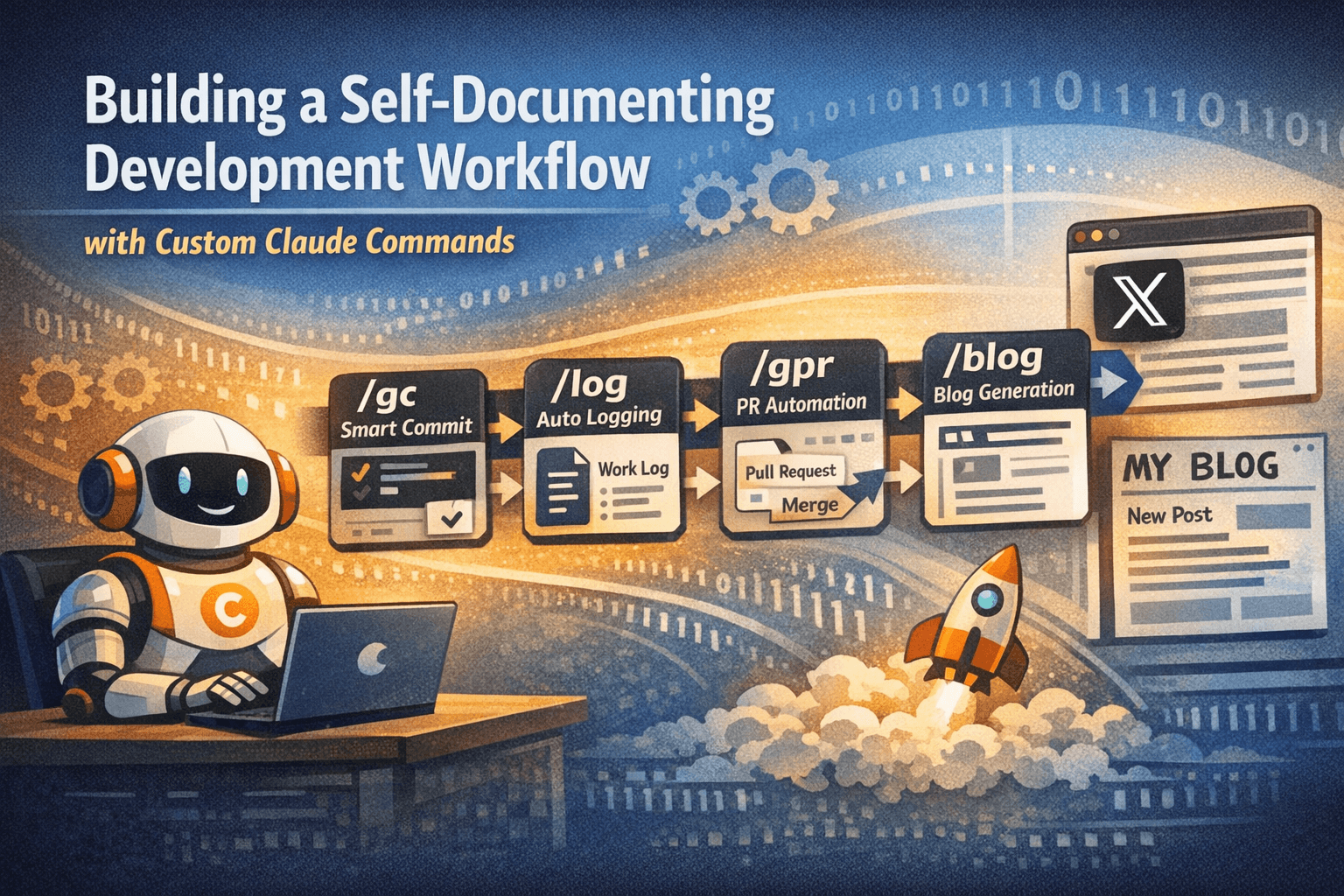
The Four-Command Pipeline
I created four custom commands in ~/.claude/commands/ that chain together into a self-documenting workflow:
1. /gc - Smart Commit Command
- Analyzes git diffs to understand what changed
- Creates detailed conventional commits
- Splits large changes into atomic commits
- Automatically triggers
/logafter committing
2. /log - Autonomous Logging Command
- Asks what I did recently
- Extracts interesting learnings and insights
- Creates timestamped markdown log files
- Commits and pushes to a dedicated work_log repo
3. /gpr - Pull Request Automation
- Chains
/gc→ push → PR creation - Maintains the self-documenting loop through the entire feature cycle
4. /work-log-blog - Blog Post Generation
- Generates blog post drafts from the accumulated work logs
The Magic: Claude Answers Its Own Questions
Here's where it gets interesting. When /gc triggers /log, Claude doesn't wait for me to manually describe what I did. It already analyzed the git diff to create the commit message, so it uses that same context to answer its own logging questions.
It's a fully autonomous pipeline. I just run /gc when I'm ready to commit, and the system:
- Analyzes my code changes
- Creates semantic commits
- Documents the insights and learnings as work log files.
Zero manual documentation effort.
Why This Matters Beyond Personal Productivity
It not only helps document my work every day (so perhaps I can look back and see how to improve), but it makes writing content very easy. This way, I can post content on X and my website more often, helping me grow my audience and reach more people.
Try It Yourself
If you're using Claude Code, you can build this same workflow:
- Create custom commands in
~/.claude/commands/(see the links below) - Run
/gcwhen you're ready to commit - Run
/logto document your work manually (though/gcwill call this automatically after commits) - Run
/gprto create a pull request for your changes - Run
/blogto generate a blog post draft from the accumulated logs
Here are the .md files for the commands:
gc: https://github.com/rishabhpoddar/claude-commands/blob/main/gc.mdgpr: https://github.com/rishabhpoddar/claude-commands/blob/main/gpr.mdlog: https://github.com/rishabhpoddar/claude-commands/blob/main/log.md (make sure to change the path mentioned in this file)work-log-blog: https://github.com/rishabhpoddar/claude-commands/blob/main/work-log-blog.md (make sure to change the path mentioned in this file)